
Welcome to Day 21 of the Dropified 60-Day Challenge!
You could have the most amazing and trendy product, but if the product display page doesn’t follow some of the fundamental e-commerce layout models, it’s not going to inform or persuade your customer to buy it.
Let’s talk about product page layouts that include a scarcity bar. If you are reporting how many people are viewing the product in real time, and how many items are available for purchase that’s great (as long as the information is authentic or legitimate). However, there are apps and plug-in’s that do not provide real time reporting and display ‘fake views’.
Facebook and other social networks can detect what they determine to be fraudulent algorithms and can block your posts (or even ban your IP from Facebook entirely).
Learn how to create a zoom and responsive product image, that will allow your customs to really check out the product, and choose from an inner zoom, lightbox zoom and hover zoom. Remember that zooming low resolution product images looks grainy and distorts the view. But before you upload all high-resolution product images for your shop, consider the impact on your overall site speed.
- Thumbnail product images should be 100 x 100 pixels or 200 x 200 pixels maximum.
- Product images for hover or click-zoom are usually 640 x 640 or 1000 x 1000 for larger images.
- Shopify recommends 1024 x 1024 at a resolution of 72 dpi (dots per inch).
Chase and Lowell lead our Dropified 60-Day Challenge participants through every aspect of laying out an organized, visually appealing and efficient product page, that makes it easy for your customer to ‘add to cart’ and make a purchase.
***UPDATE re Canva Shared Template for Product Guarantee:
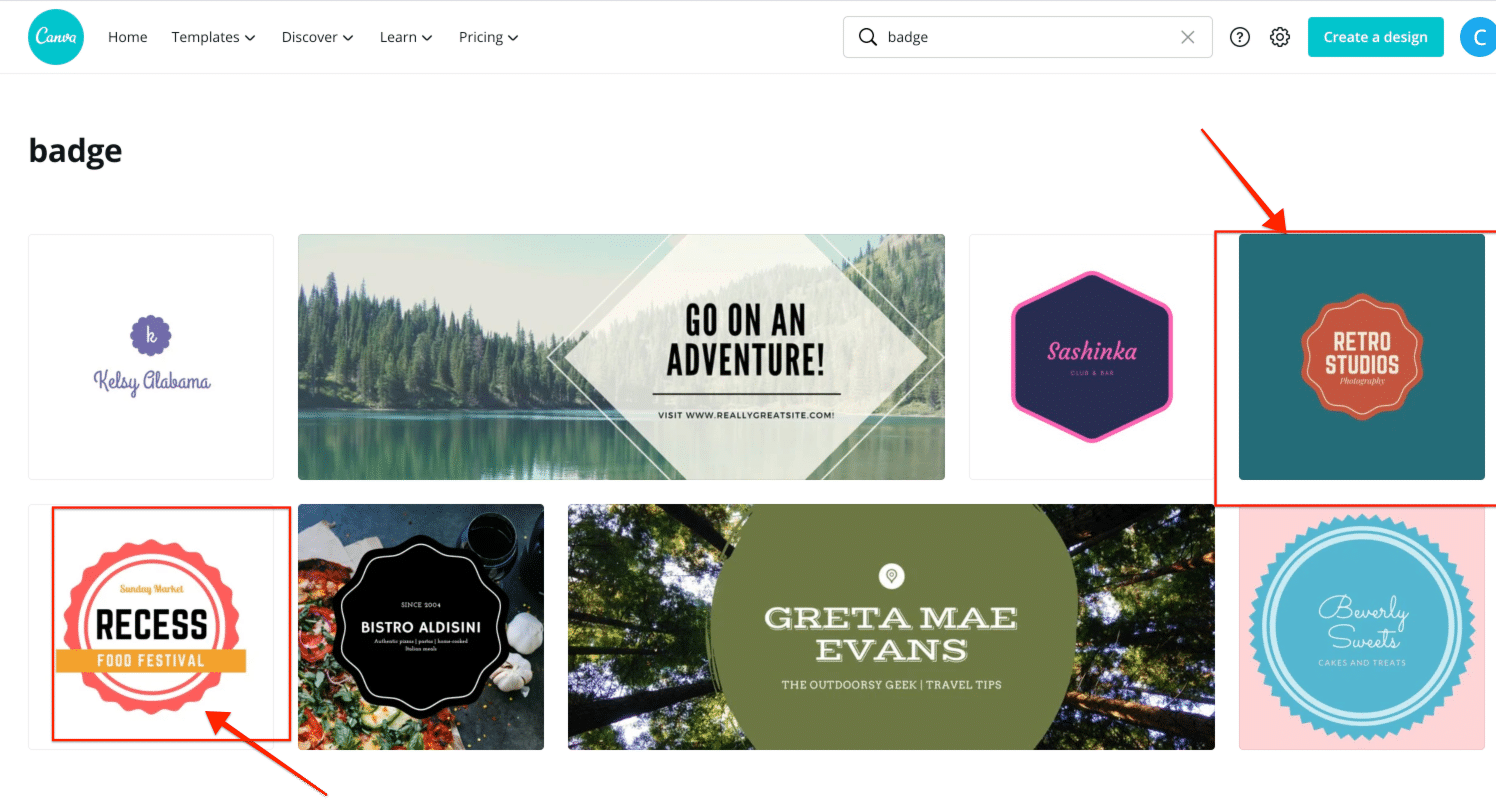
Log into or create your canva account using the resource link below, then type in “badge” in the Canva templates area. From here you can choose one of those to easily edit.
See example below:
Day 21 Quiz
